Your Apple Watch already counts every step. WalkRace turns that number into a race you can follow from your wrist.
Complications: The Race on Your Watch Face
The most useful place for WalkRace is the watch face, where you look dozens of times a day:
- Rectangular: “2nd of 9 · 320 to pass Giulia”, with your steps and streak.
- Circular: your position and your streak flame.
- Corner and inline: your position and the gap in one line.
If you don’t follow anyone yet, the complication shows how you are doing against your own weekly average.
To add one: long-press the watch face, tap Edit, choose a complication slot and pick WalkRace.
The WalkRace App on Apple Watch
The Watch app has two pages:
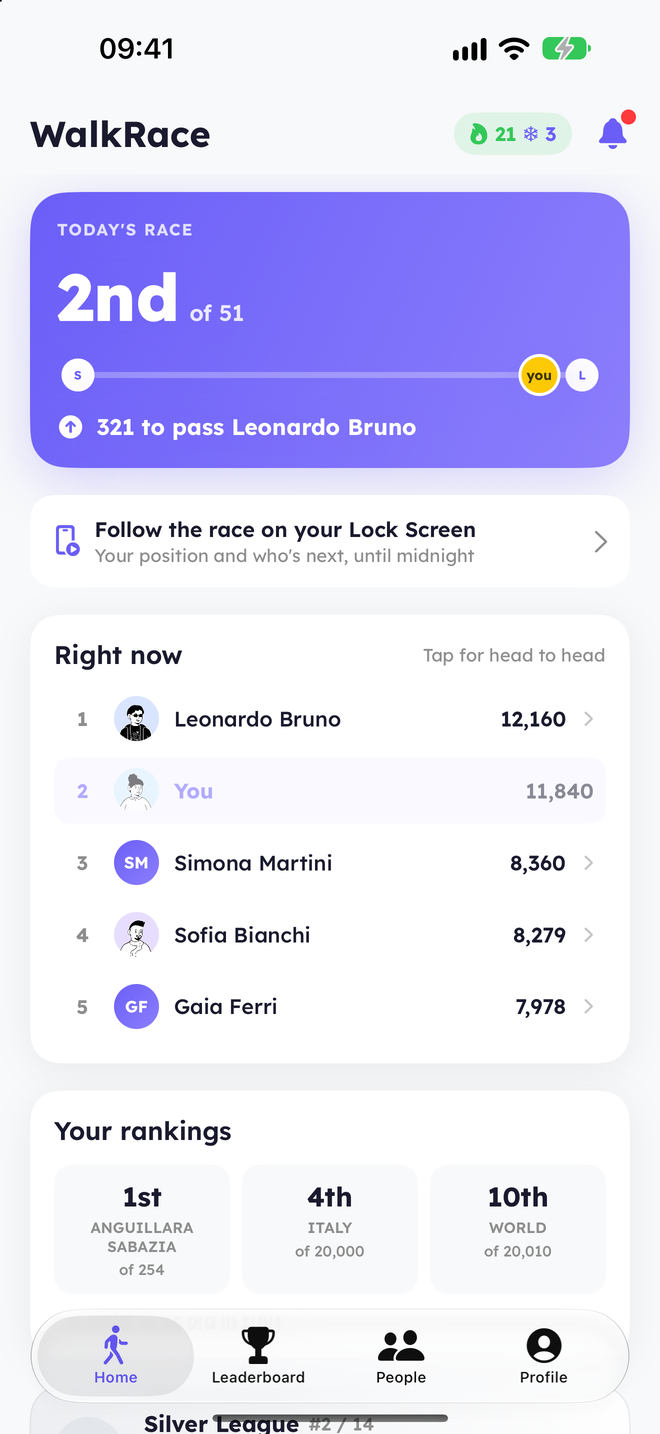
- Race: your position, how many steps you need to pass the person ahead, your lead on the person behind and your steps today.
- Right now: the people around you in today’s race, then your city and country rankings.
Your steps are read directly by the Watch from Apple Health, so they are always the freshest number. The rest of the race comes from your iPhone; when it’s more than an hour old, the Watch tells you when it was last updated.
Battery
WalkRace on Apple Watch doesn’t use GPS and doesn’t run workouts. It reads the step count that watchOS already records, so the impact on battery is negligible.
Frequently Asked Questions
Do I need an Apple Watch to use WalkRace?
No. Your iPhone is enough. The Watch adds the race on your wrist.
Why does the Watch say “Open WalkRace on your iPhone”?
The race data comes from your iPhone. Open WalkRace on the iPhone once and the Watch receives today’s race.
Does the complication update during the day?
Yes. It updates when your steps change and when your iPhone sends new data, within the limits watchOS sets for complications.
See WalkRace in Action
Real-time 1v1 step duels and live leaderboards, right on your iPhone.